TradingView
Step-by-step TradingView tutorials for beginners: custom indicators built with AI, what the free plan covers, screeners, and paper trading. Education, not advice.
-
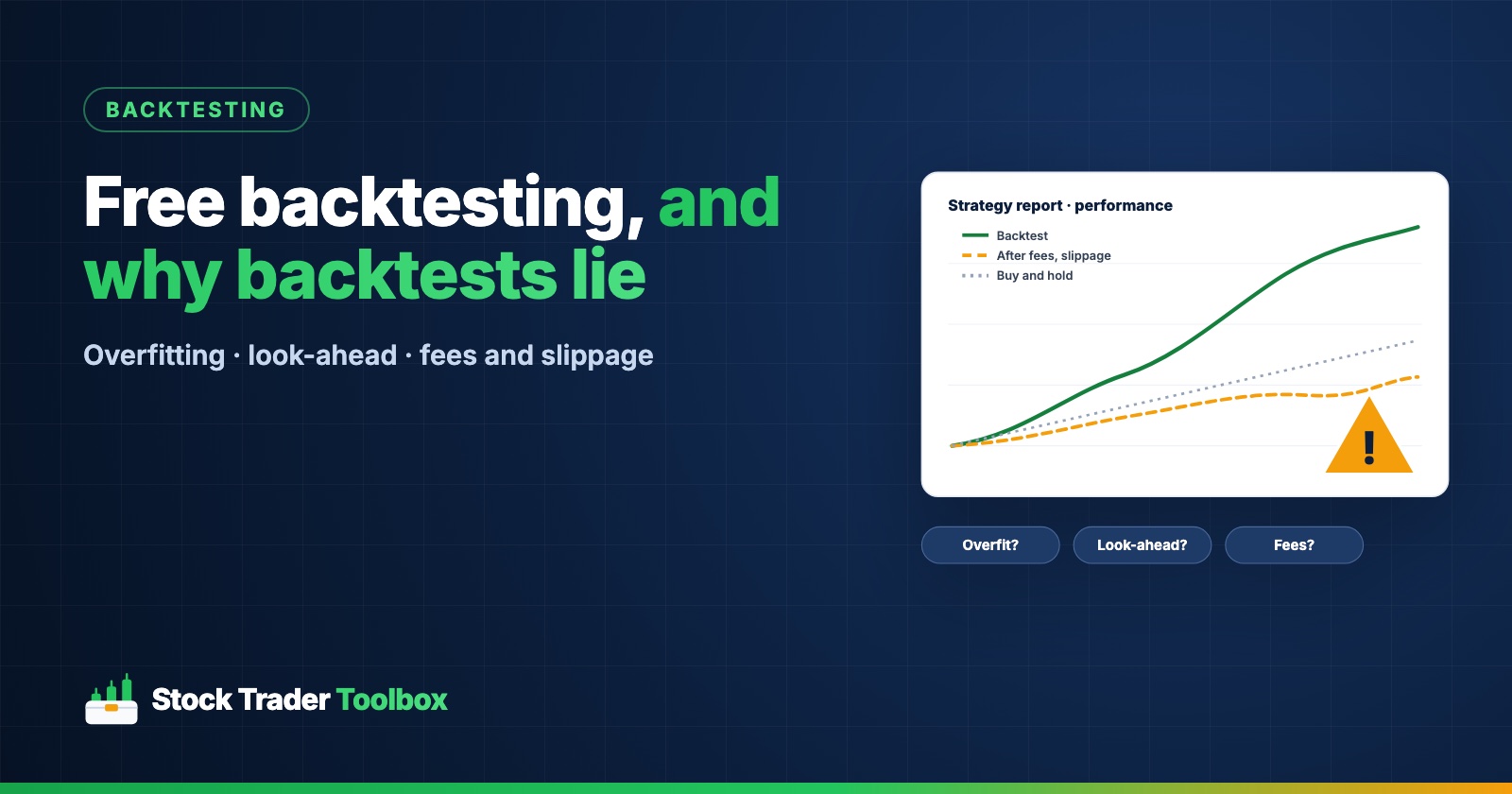
How to Backtest a Strategy on TradingView’s Free Plan, and Why Backtests Lie
How to run a strategy backtest on TradingView’s free plan, read the report, and spot the five ways backtests mislead: overfitting, look-ahead bias, fees, survivorship and small samples.
-
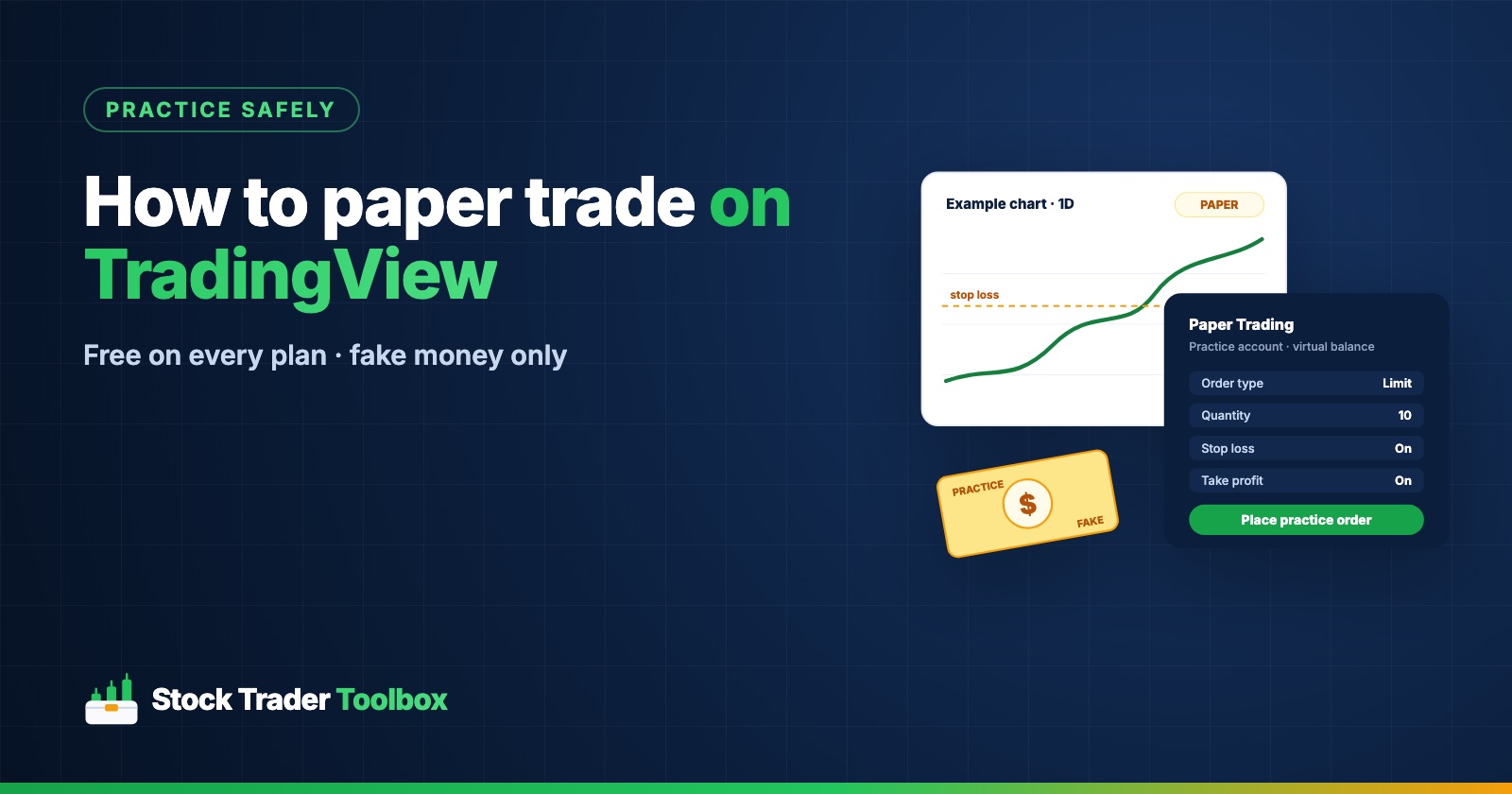
How to Paper Trade on TradingView (Free)
Paper trading is built into TradingView on every plan, including the free one. How to connect it, place and close a practice order, reset the account, and practice well.
-
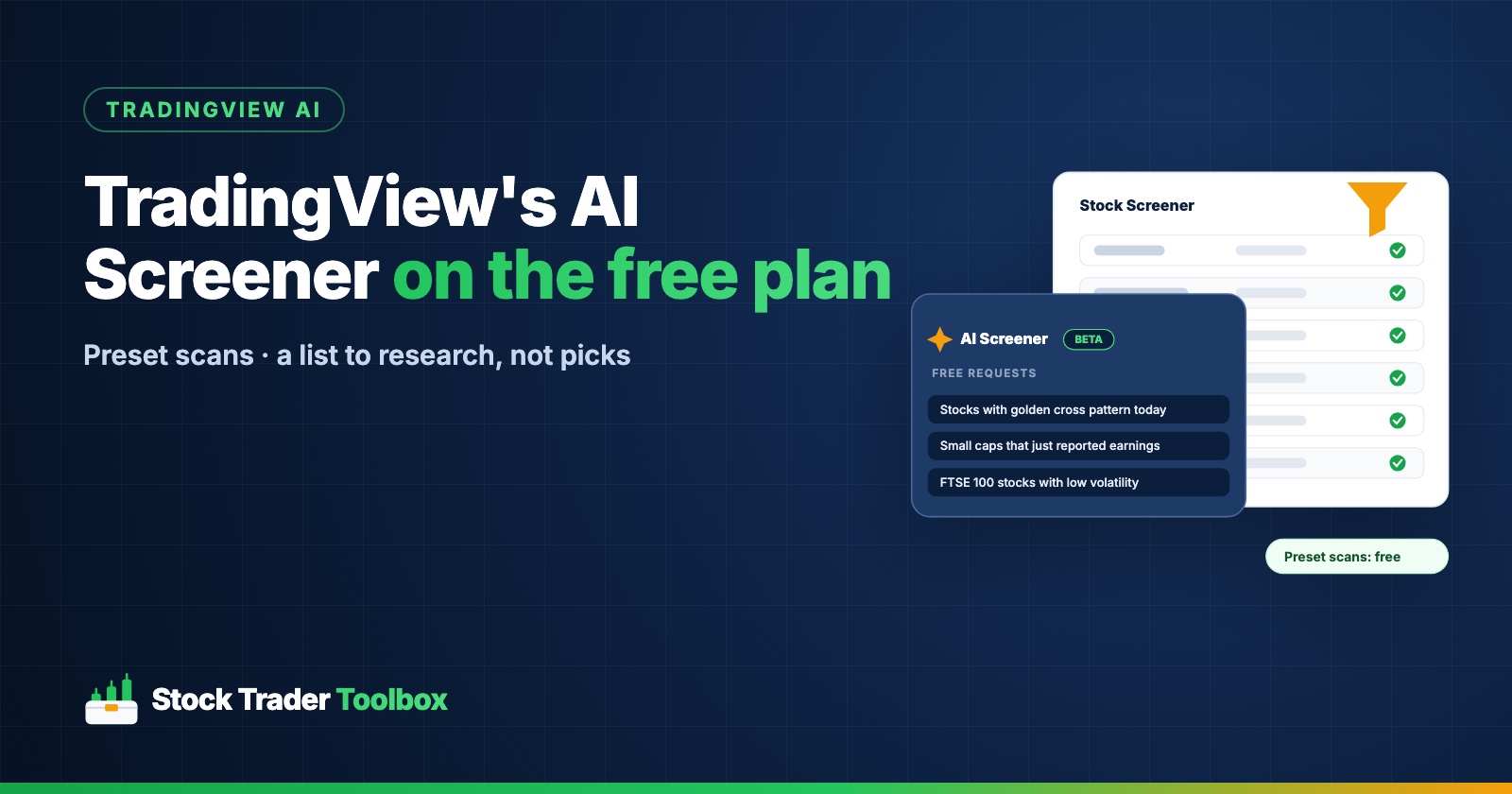
TradingView’s AI Screener: What the Free Plan Gets
TradingView’s AI Screener turns plain-English requests into screener filters. The free plan gets about 30 preset scans. Here’s how to use them and read the results as research.
-
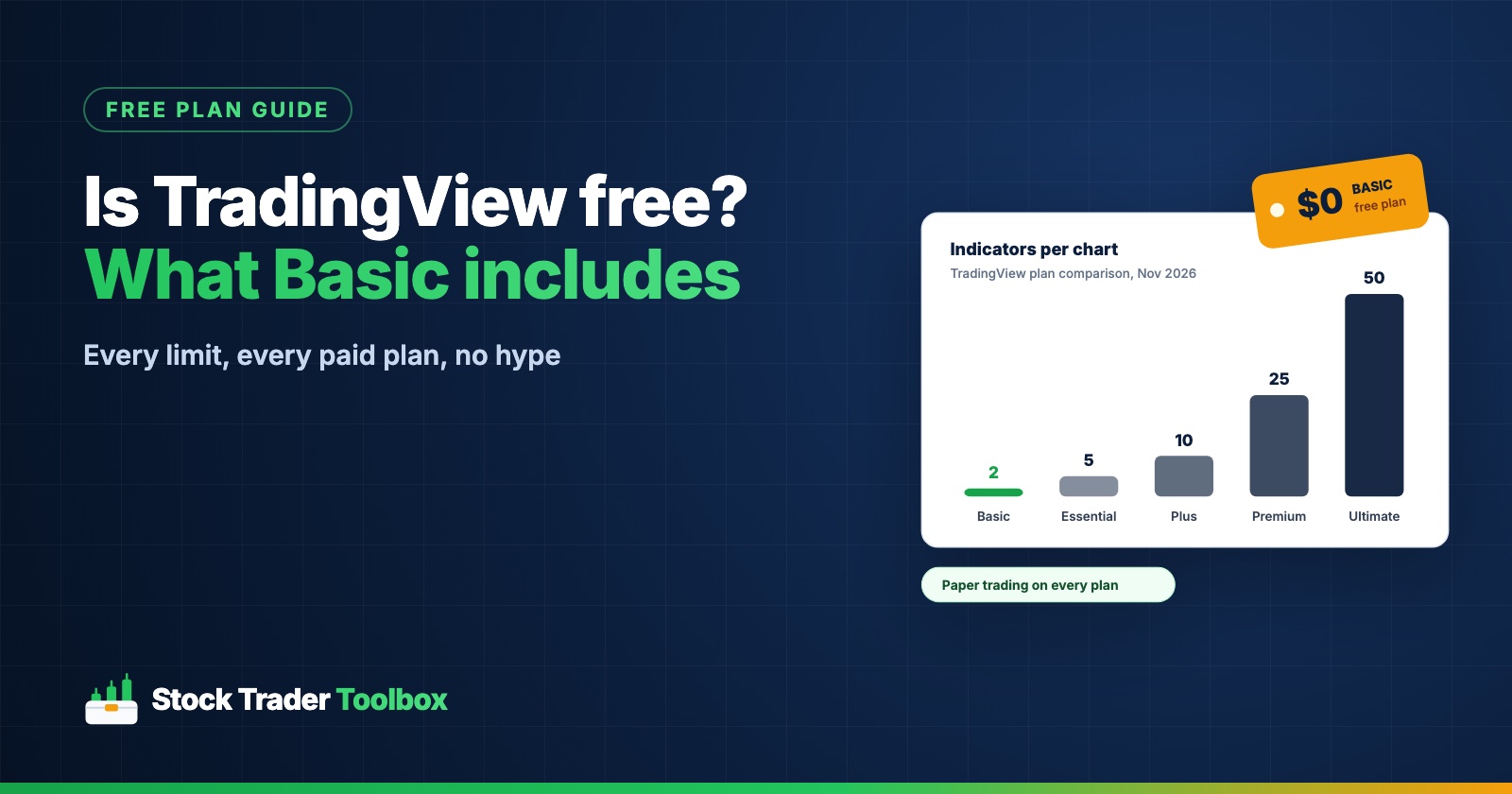
Is TradingView Free? What the Free Plan Includes (2026)
Yes, TradingView has a free plan. Here’s exactly what Basic includes, where it stops (2 indicators, 3 price alerts, 1 watchlist), and what each paid plan adds.
-
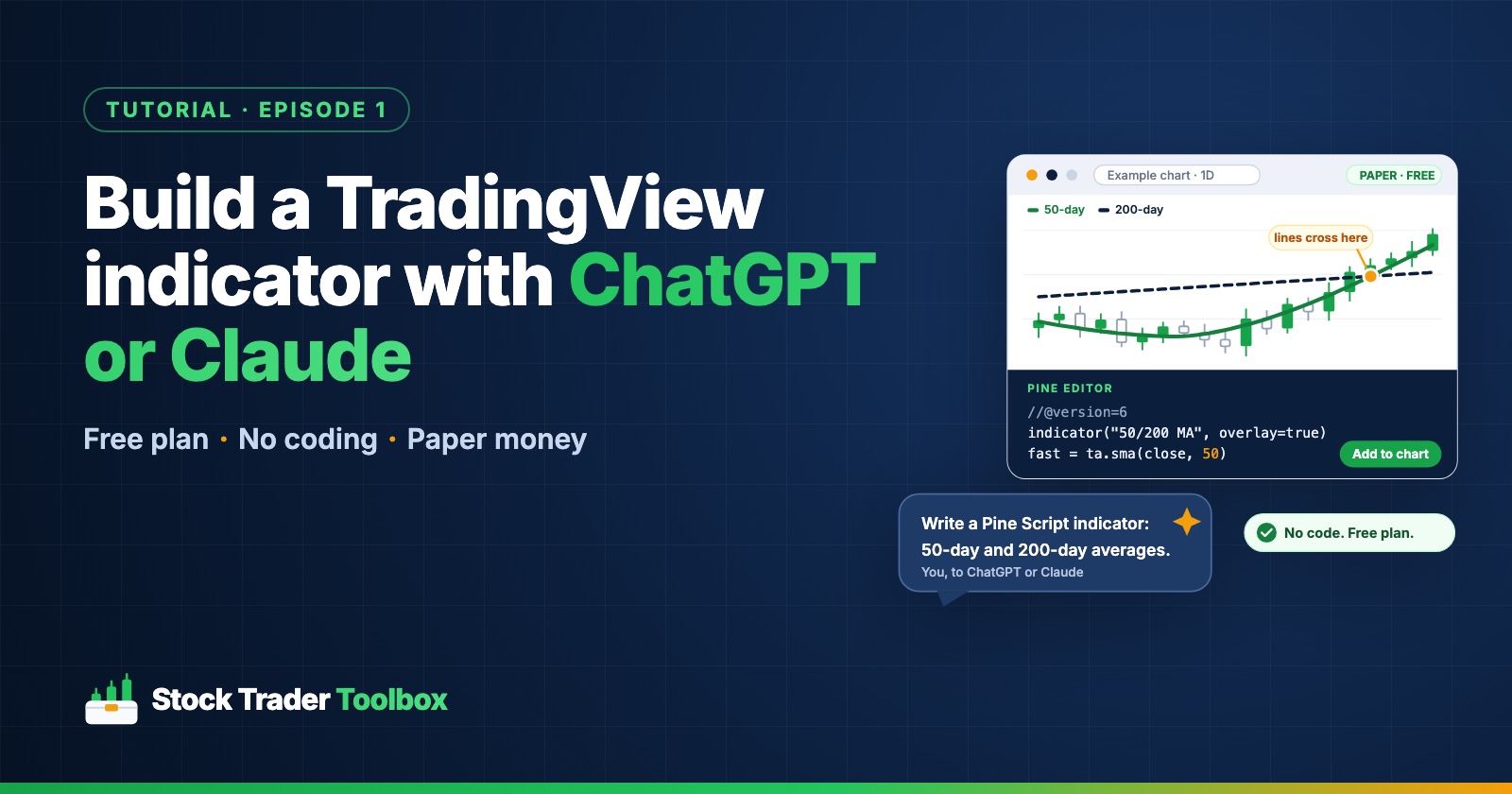
Build a TradingView Indicator with ChatGPT or Claude (Free Plan, No Coding)
Three prompts, one custom indicator, and no paid plan. Copy the prompts from Episode 1, see what TradingView’s free plan includes, and learn what a moving-average crossover can’t tell you.
Get The Trade Brief
Signup opens here in the first week of December. Until then, the YouTube channel gets every tutorial first.